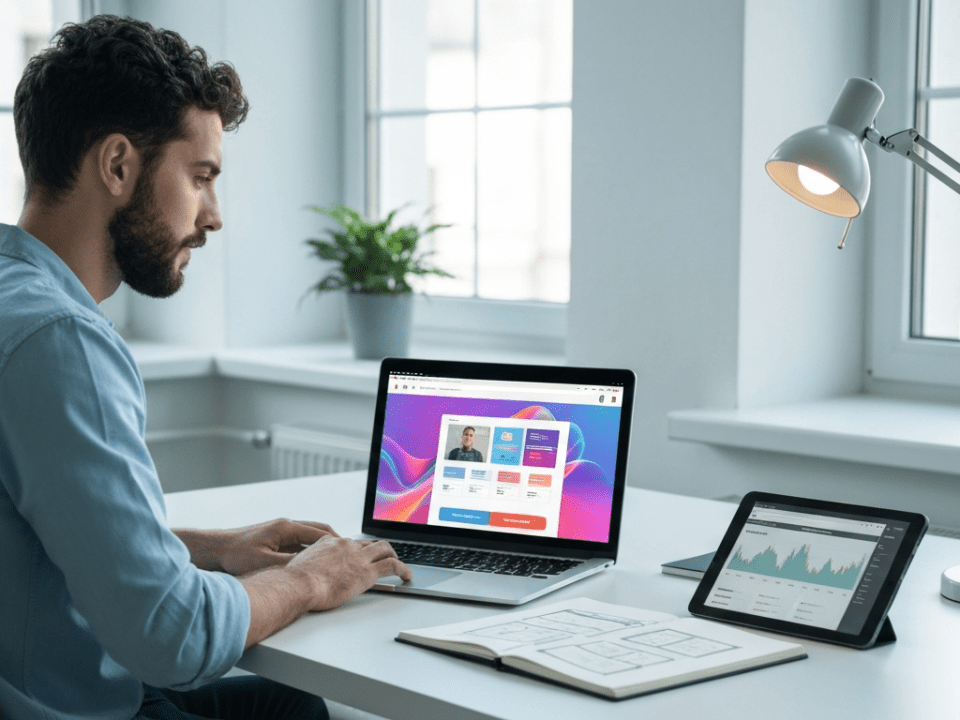


For many of us, today feels like the real start of the new year. The holiday decorations are likely coming down (or perhaps they are packed in boxes waiting to be moved to the attic), the kids are heading back to school, and the “Out of Office” auto-responders are officially turned off. Digital clutter, back to reality tech, and 2026 business technology.
We are back at our desks, coffee in hand, ready to tackle 2026.
But as you sit down to start your work week, take a look at your screen. What do you see? Is your desktop covered in a chaotic mosaic of random screenshots and PDF files from December? Is your inbox groaning under the weight of holiday sale spam and unread newsletters? Is your computer nagging you with software updates that you clicked “Remind Me Later” on three weeks ago?
This is what we call the “Holiday Tech Hangover.”
While you were recharging your personal batteries over the break, your digital workspace was likely gathering dust. Starting a new year of business growth on a cluttered, slow, or unsecure foundation is like trying to run a marathon in boots that are two sizes too small. You might finish, but it’s going to be painful and slow.
At IT WebSmith, we want your business to fly in 2026. So, before you dive headfirst into your first big project, take one hour today to perform this Digital Deep Clean.
Digital clutter: 1. The Great Inbox Purge: Archive, Don’t Delete
A cluttered inbox is a massive drain on mental energy. Seeing “2,405 Unread Messages” creates a subconscious background hum of anxiety.
The Strategy: You don’t need to reach “Inbox Zero” every day, but you should reach “Inbox Zero 2025.”
- The Move: Create a new folder named “Archive – 2025.” Select every single email in your inbox dated prior to January 1, 2026, and move it there.
- The Benefit: You aren’t deleting anything; you can still search for that invoice from November if you need it. But visually, you are giving yourself a clean slate. When you open your email tomorrow, you will only see what is relevant now. It is a psychological game-changer for productivity.
2. Exorcise the “Zombie” Accounts
Did you have any staff turnover at the end of the year? Or perhaps you worked with a freelancer or contractor for a holiday project?
One of the biggest security risks for small businesses is “Zombie Accounts”—user profiles for people who no longer work for you but still have active logins.
The Strategy: Audit your access list.
- The Move: Log into your main platforms (Email, CRM, File Storage, Slack/Teams). Check the user list. If
FormerEmployee_Bobstill has an active account, deactivate it immediately. - The Benefit: Disgruntled former employees or hackers who guess weak passwords on dormant accounts are major threats. Closing these doors locks down your perimeter instantly.
3. The “Update All” Ritual
We get it. In the middle of the December rush, when a pop-up appeared saying “Update Ready to Install,” you clicked “Not Now.” You couldn’t afford the 15 minutes of downtime.
Well, now you can. In fact, you can’t afford not to.
The Strategy: Patch the holes.
- The Move: Run the updates on your Operating System (Windows or macOS), your web browser (Chrome/Edge), and your critical business software.
- The Benefit: These updates rarely offer cool new features; usually, they are patching security vulnerabilities that hackers have discovered. Running outdated software in 2026 is asking for trouble.
4. Digital Desktop Hygiene
Your computer’s desktop is not a filing cabinet. Storing hundreds of files directly on the desktop can actually slow down your computer’s startup time and makes backing up data a nightmare.
The Strategy: Cloud or bust.
- The Move: Take those random files and move them into your proper folder structure (SharePoint, Google Drive, Dropbox, or your local server). Delete the temporary screenshots you no longer need.
- The Benefit: If your laptop spilled coffee on it tomorrow, would those desktop files be safe? If they are moved to the cloud/server, the answer is yes. If they stay on the desktop, they might be gone forever.
5. Schedule Your “State of the Union” Tech Review
Finally, don’t try to fix the big structural issues today. Just schedule a time to think about them.
Do you need to upgrade your server this year? Is your website looking tired compared to your competitors? Are you paying for software subscriptions you no longer use?
Put a meeting on the calendar for late January—inviting us at IT WebSmith—to review your technology roadmap. We can look at your hardware lifecycle, your backup integrity, and your security posture to ensure you are spending money wisely in 2026.
Let’s Make 2026 Your Most Efficient Year Yet
The first week of January sets the tone for the rest of the year. Don’t let digital clutter drag you down. A clean digital workspace leads to a clear mind, and a clear mind builds a thriving business.
Happy New Year, Benicia. Let’s get to work!
Need help with a full Security Audit or Website Refresh? Contact IT WebSmith today.
📞 Call us: 707.412.8314 📧 Email: [email protected] 🌐 Visit: itwebsmith.com
Learn more about our web development and IT services and how we can help your business. Visit IT WebSmith for expert support, or explore the NIST Cybersecurity Framework for additional resources.